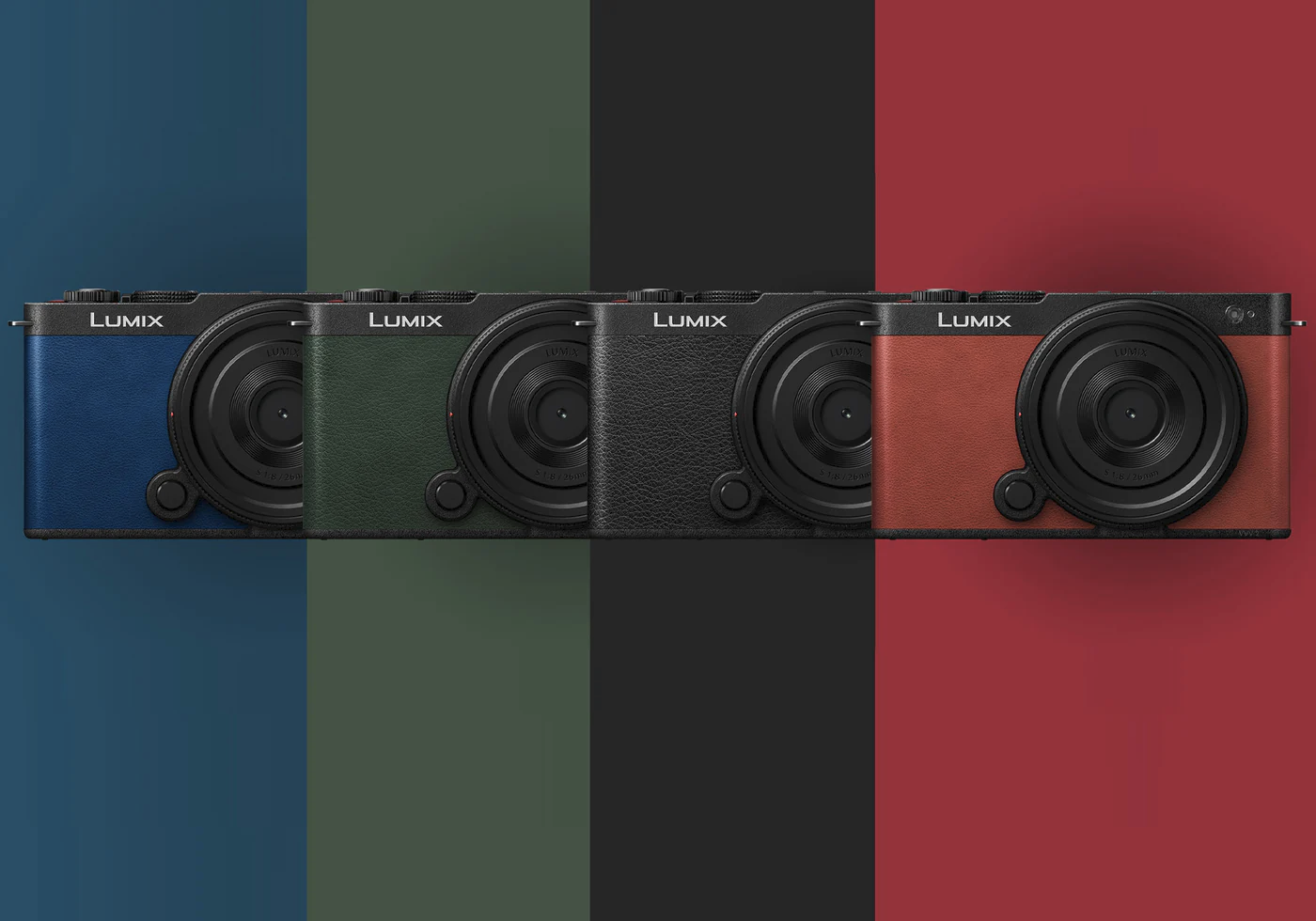
I took the Panasonic Lumix S9 out to the Fort Worth Stockyards expecting an easy shoot. The longhorns come through around 11:30am, the light was good, and everything was lined up.
Within minutes, I stopped thinking about the photos and started thinking about the camera.
I couldn’t tell if my settings were actually changing the way I expected. Adjustments didn’t feel predictable. And instead of reacting to the scene, I was second guessing the controls.
That’s when I realized something was off.
It wasn’t the image quality. It was how the Lumix S9 handled manual mode and basic exposure controls.
Manual Mode Should Be Simple
I shoot in manual mode most of the time. Not because I’m trying to be technical, but because it’s the fastest way for me to get what I want. Aperture, shutter, ISO. Set it and adjust as needed.
On most cameras, this is second nature.
On the S9, it felt like I was fighting it.
Aperture and shutter speed are locked to the front and rear dials. That sounds normal, but there’s no flexibility beyond that. You can’t reassign them. You can’t consolidate them. You can’t use a function button to switch between them. You can’t even offload one of them to the touchscreen.
If one dial doesn’t feel right, you notice it immediately.
The Rear Dial Problem
The rear control wheel is where things really started to break down for me.
Sometimes it felt inconsistent. Small turns didn’t behave predictably, and values would jump more than expected. I’d turn the dial expecting a small adjustment, and suddenly I’d be a full stop off. Then I’d try to correct it and overshoot again.
It wasn’t completely unusable, but it wasn’t something I trusted either.
And that’s the key point.
When you’re shooting in the moment, especially outdoors, you don’t want to think about whether your camera is doing what you asked it to do. You want to react quickly. Light changes. Subjects move. Moments pass.
If the control you rely on feels even slightly off, it pulls you out of the experience.
No Real Backup System
On other cameras, if something feels off, you have options.
You can reassign controls. You can use another dial. You can tap the screen to adjust settings. You can customize buttons to shift behavior.
The S9 doesn’t really give you that.
You can’t move aperture or shutter off the dials in manual mode. You can’t add them to the quick menu overlay. You can access them through the full control panel, but that removes the live view entirely while you adjust them.
So you’re left with the dials. That’s it.
And if one of them isn’t working the way you expect, there’s no clean fallback.
The Touchscreen Isn’t the Answer
At first glance, the S9 looks like a camera that would lean heavily into touch controls. It’s modern, minimal, almost phone-like.
But the touchscreen doesn’t let you adjust aperture or shutter speed directly. You can move focus points, adjust some settings, and use exposure compensation in certain modes, but not in full manual control.
So you end up in this strange middle ground.
It’s not fully tactile like a traditional camera, and it’s not fully touch-driven like a smartphone. It sits somewhere in between, and that in-between space is where the friction shows up.
What Actually Works (and what doesn’t)
After spending more time with it and looking into how others are using it, I realized I wasn’t the only one running into this.
First, Auto ISO.
It doesn’t fix the core issue. You still can’t move aperture or shutter off the dials, and you still need both to shoot in manual. What it does is reduce how often you’re adjusting both at the same time. You can set your shutter speed, work mostly with aperture, and let ISO absorb some of the exposure changes.
It helps, but it doesn’t solve anything fundamentally.
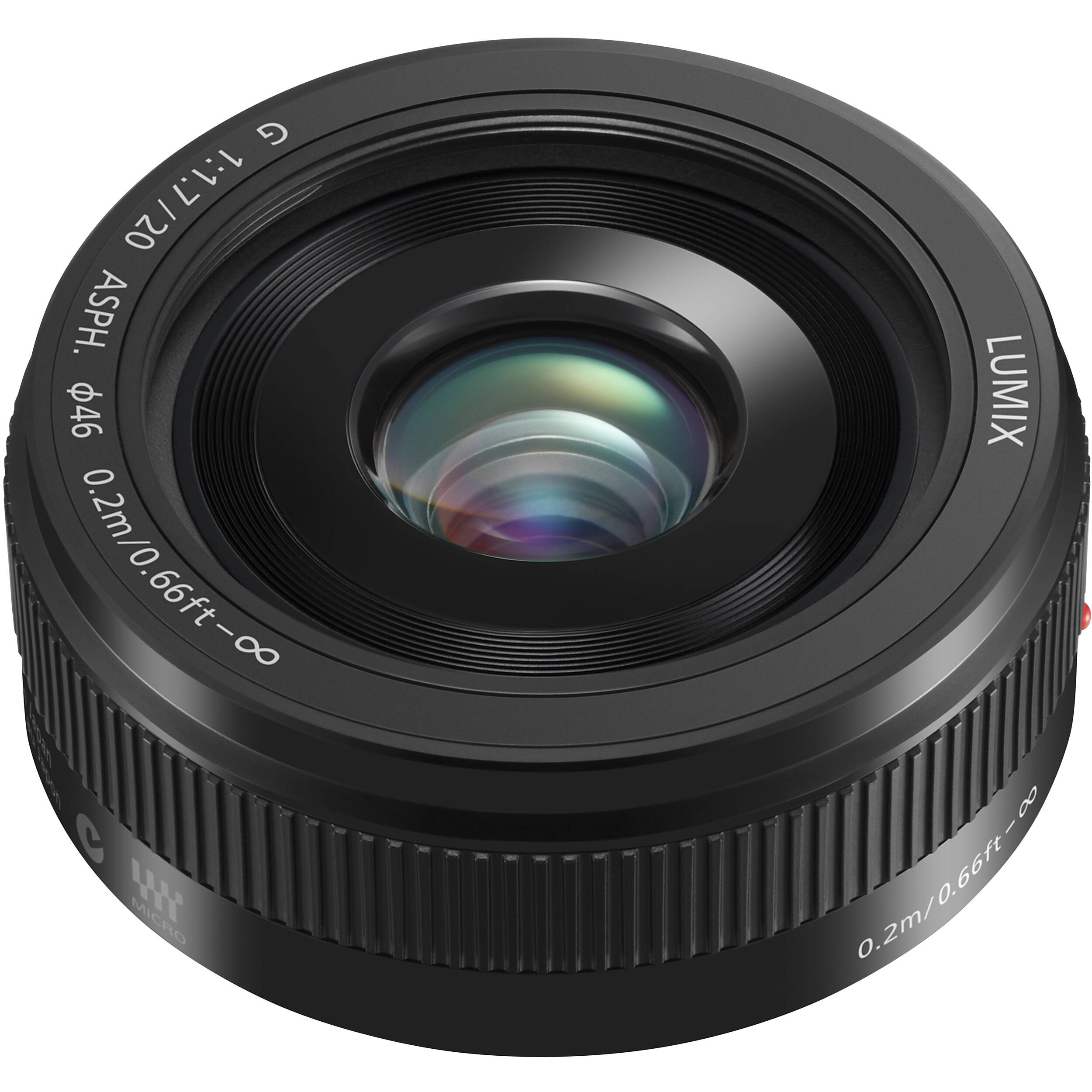
A more meaningful workaround is using a lens with an aperture ring. That shifts aperture control off the camera entirely. Now you’re using the lens for aperture and the front dial for shutter speed. The rear dial becomes something you rarely touch, or don’t need at all.
That setup feels much closer to how a manual camera should behave.
Beyond that, most of the “solutions” are really just ways of avoiding the problem. Using the control panel to adjust settings breaks your flow because you lose the live image. The touchscreen doesn’t give you direct control over exposure. And there’s no way to remap or simplify how aperture and shutter are handled.
You’re not fixing the system. You’re just finding ways to stay out of its way.
This Isn’t Just About One Dial
It would be easy to say this is just a bad control wheel and move on. But it’s bigger than that.
The real issue is that the S9 doesn’t have much redundancy in its control system. It assumes everything works as intended, all the time. And when it does, it probably feels fine.
But when something doesn’t feel right, even slightly, the entire experience starts to break down.
That’s what I ran into at the Stockyards.
I wasn’t thinking about composition or timing. I was thinking about whether my settings were actually changing the way I expected.
That’s not where you want your attention.
Who This Camera Is Really For
The S9 makes a lot of sense for a certain type of shooter.
If you’re shooting in auto or semi-auto modes, relying on the camera to make exposure decisions, or capturing moments casually or for content, it probably works well.
But if you prefer manual control, adjust settings frequently, and expect flexibility in how you interact with the camera, you’re going to feel these limitations pretty quickly.
What Panasonic Could Fix With Firmware
This doesn’t feel like a hardware problem alone. A lot of this could be fixed in firmware.
After spending more time with it and looking into how others are using it, the same patterns keep coming up.
None of this requires redesigning the camera. It just requires giving users more flexibility.
The first and biggest change would be allowing full dial reassignment in manual mode. Aperture and shutter shouldn’t be locked to specific dials. If a user wants both on the front dial with a toggle, or wants to move one entirely off the rear dial, that should be possible.
A simple dial toggle would solve most of this. Press a function button, and the front dial switches between controlling aperture and shutter.
The Q menu could also be expanded to include aperture and shutter speed. Right now, you have to leave the live view and go into a full control panel just to adjust them. Keeping those controls in an overlay would make a big difference, especially for people trying to avoid unreliable dials.
Touch control is another missed opportunity. The screen should allow direct adjustment of aperture and shutter, not just focus points and secondary settings. Even a simple slider or tap-based adjustment would give users a fallback when physical controls don’t feel right.
There’s also room to improve how the control panel behaves. If you’re going to adjust exposure settings there, you shouldn’t lose the live image entirely. A semi-transparent overlay would keep you connected to the scene while making adjustments.
Finally, adding redundancy would make the whole system more resilient. Allowing ISO, aperture, or shutter to be temporarily mapped to function buttons or alternate inputs would give users options when something doesn’t feel right.
None of these changes alter what the S9 is trying to be. They just make it easier to use when you step outside of the default workflow.
And for a camera that feels this close to being great, that flexibility matters.
Final Thoughts
Cameras aren’t just about image quality. They’re about how they respond when something is happening in front of you.
At the Stockyards, the longhorns came through, people lined the streets, and everything was there to be captured.
I wasn’t thinking about the scene. I was thinking about the camera.
That’s not something you fix with a menu setting.
It’s something you feel the moment you start shooting.